
Cloud Point
Identify cloud types with AI and learn what they mean for the weather.
Capture the sky, let AI name your clouds, and learn what they signal about the weather and changing climate. Made for curious minds, students, photographers, hikers—anyone who looks up and wonders what's happening above.
🌍 How it impacts climate science
Every photo you upload contributes directly to a growing bank of ground-based cloud observations. These observations are invaluable for understanding atmospheric patterns and improving weather prediction models. With our community documenting cloud types from diverse locations, they're helping scientists build a richer, more comprehensive dataset with every image!
The coordinates attached to each observation enable researchers to create a spatially and temporally rich database—mapping how clouds vary across different regions and tracking how patterns change over time. This ground-truth data complements satellite observations and helps refine our understanding of climate dynamics, weather systems, and the factors that influence local and global weather patterns.
Why you'll love it
AI cloud identification
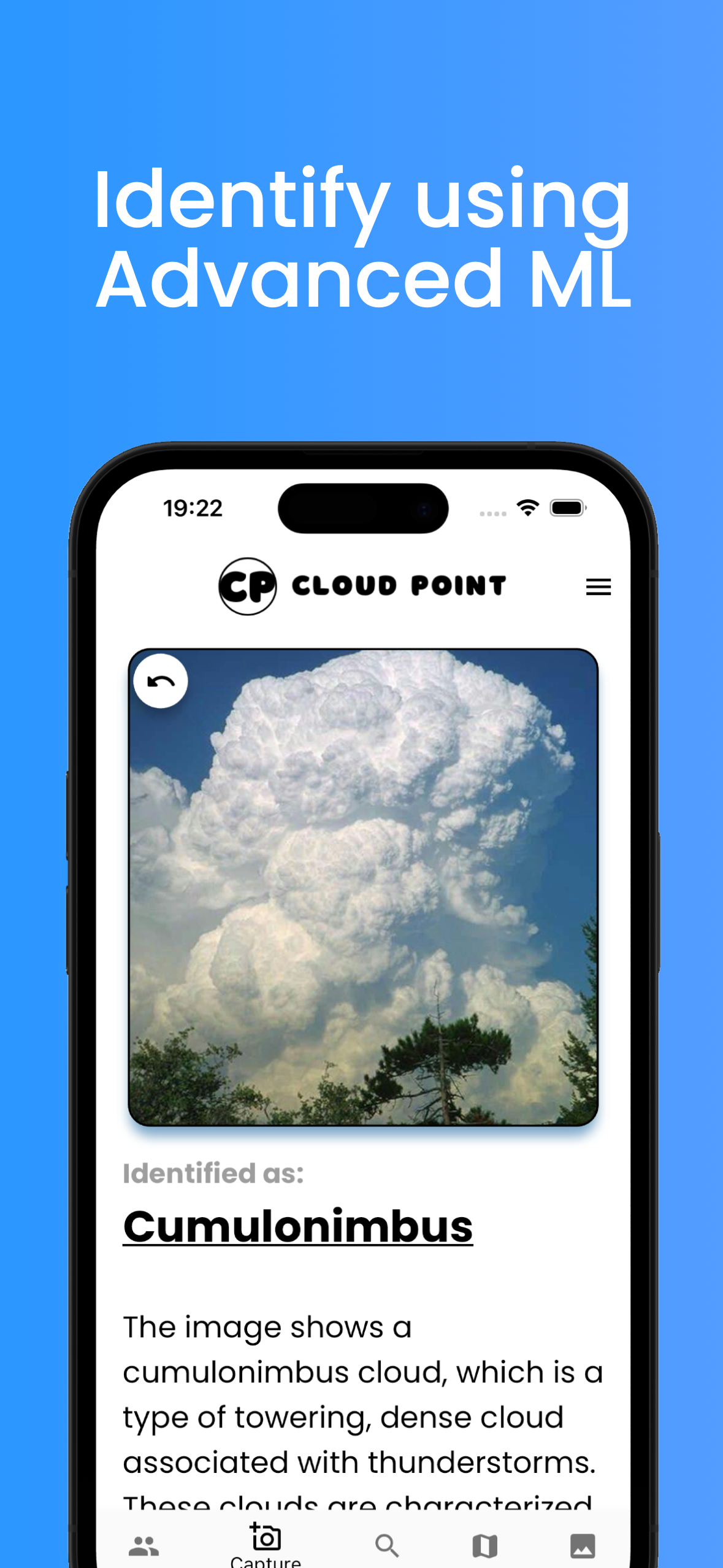
Snap a photo or upload one from your library and get a type prediction and interesting facts.
Climate Science impact
Each photo you upload has a direct & tangible impact on the world of climate science!
Learn as you go
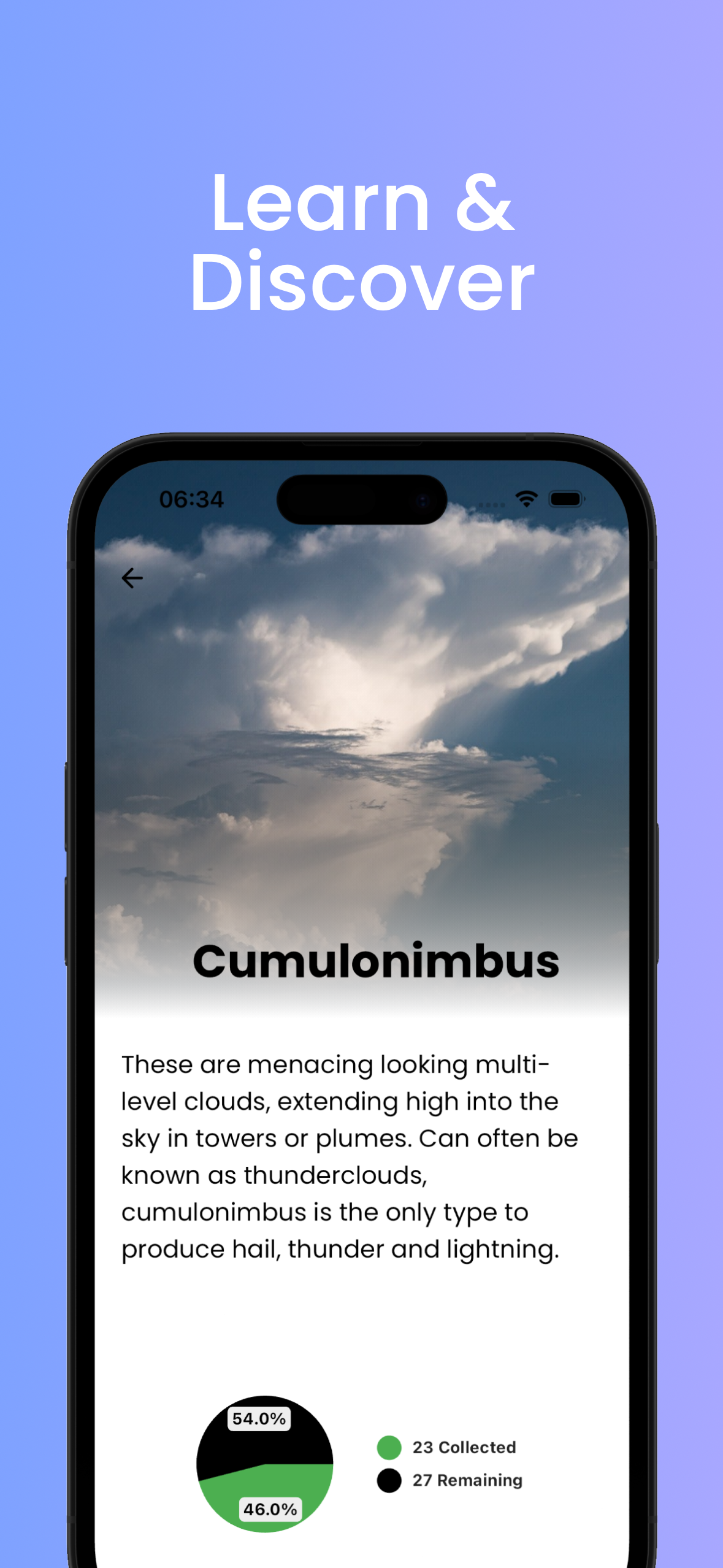
Concise explanations & facts for each cloud type: typical conditions, formation, and weather implications.
Your sky gallery
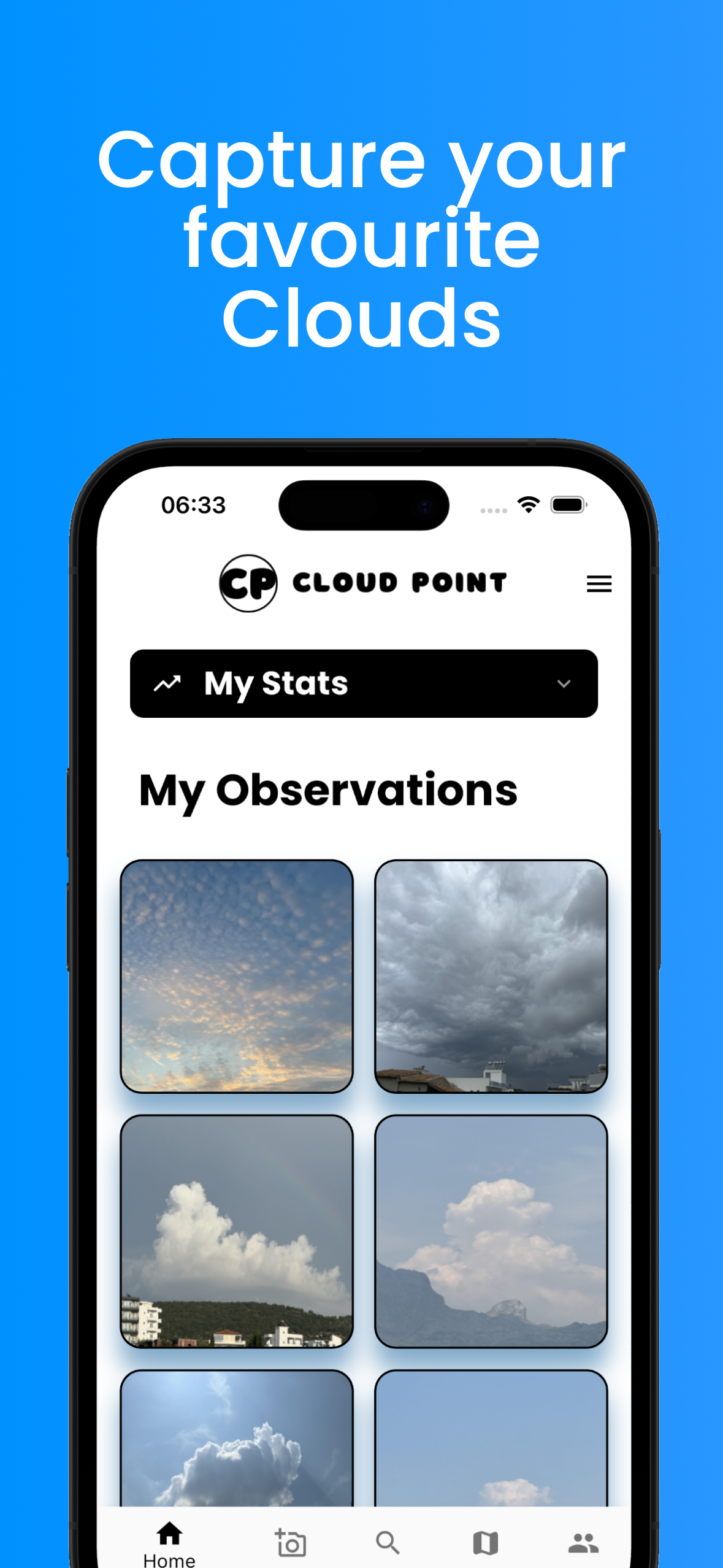
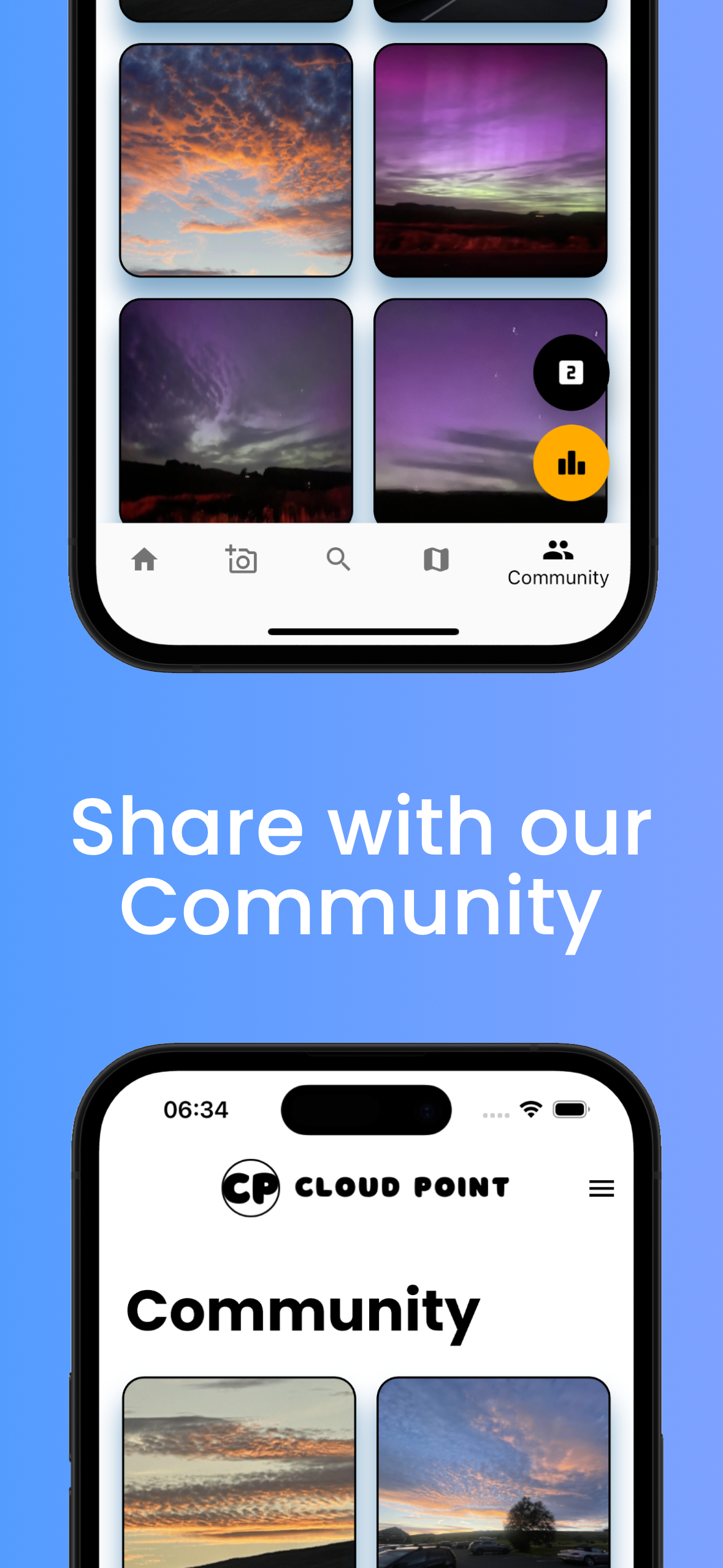
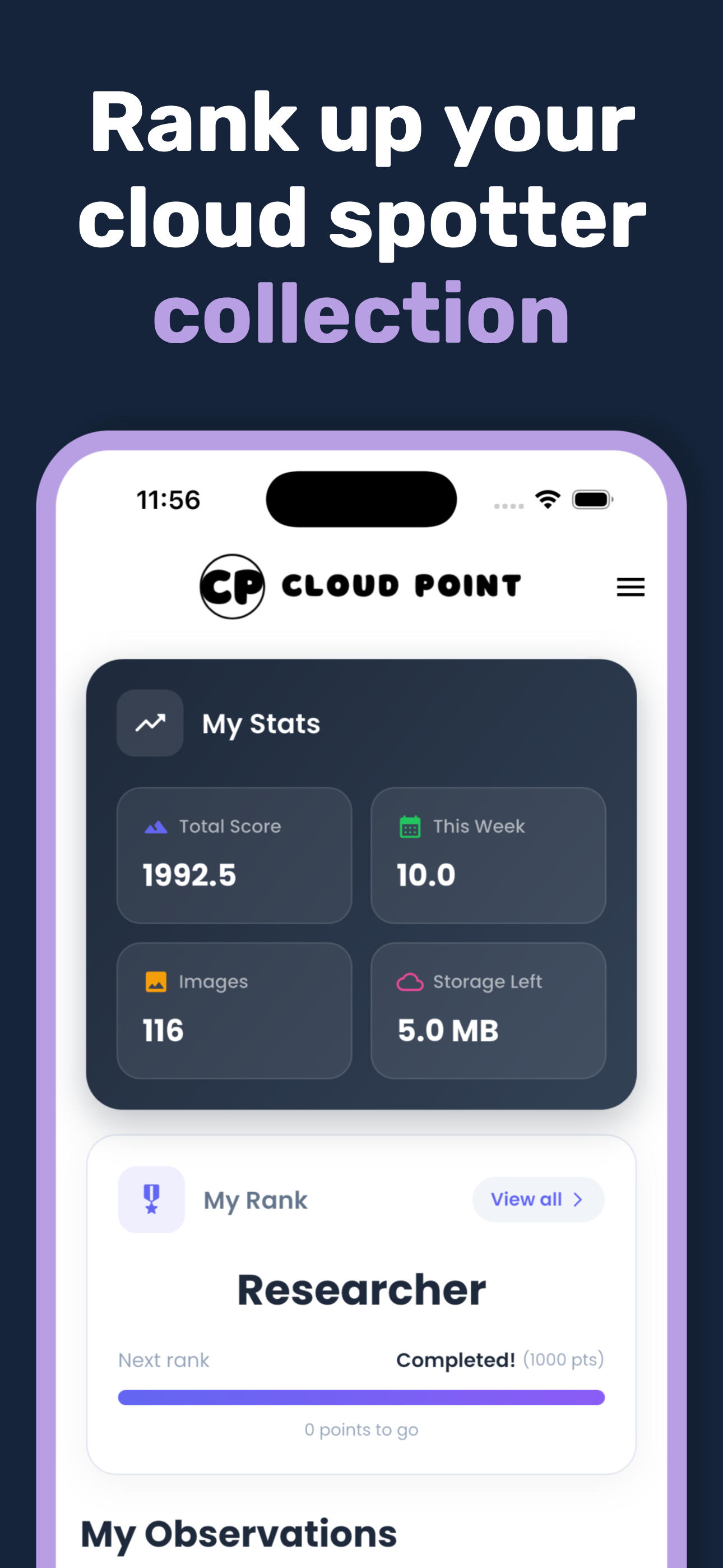
Build a personal log of cloud sightings and share your favorite captures.
Location-based
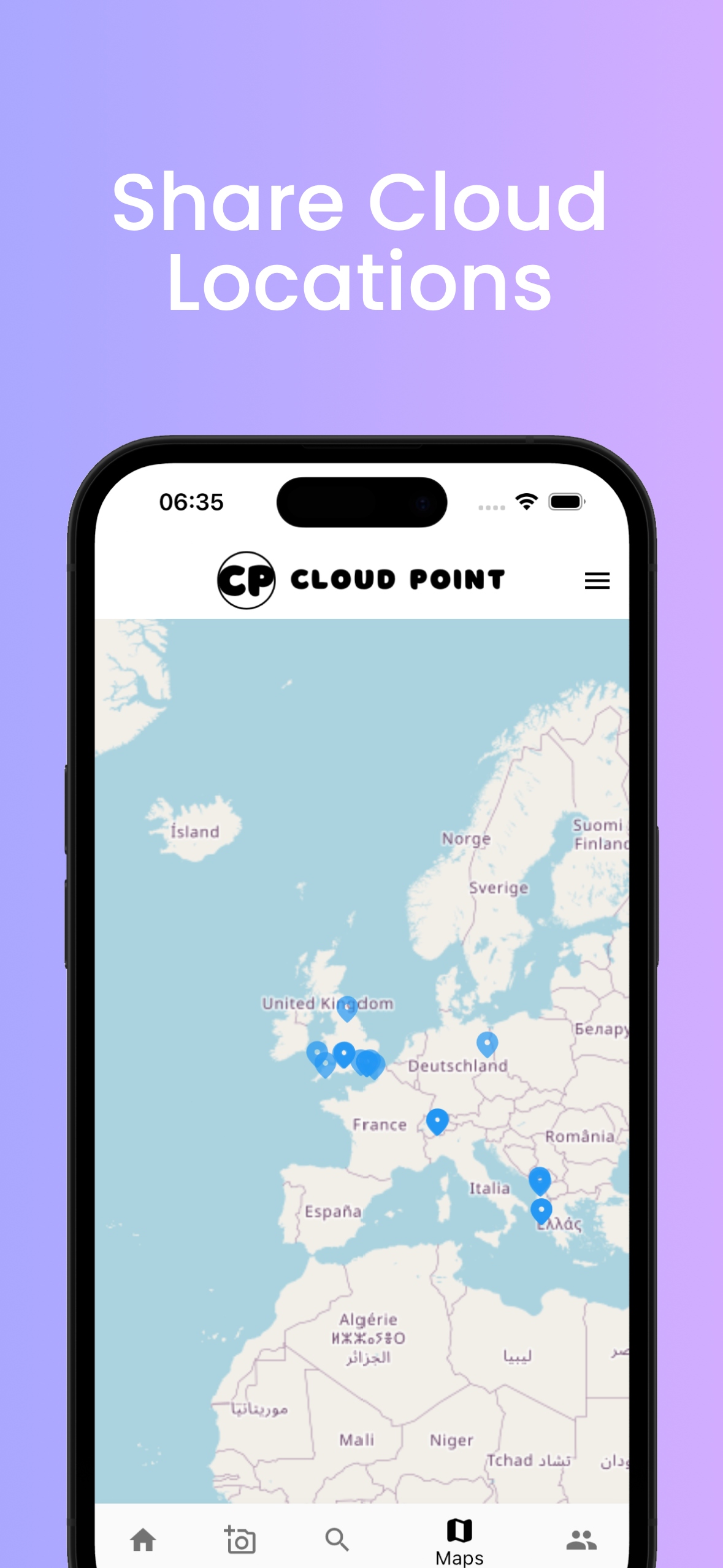
See where everyone else's photos have been taken on an interactive map.
Privacy-respecting
Clear controls and a straightforward privacy policy. It's your decision to share your photos or not!
How it works
- Capture: Open Cloud Point and take a photo of the sky (or choose one from Photos).
- Identify: The app analyses features like texture, altitude cues, and shape to suggest a cloud type.
- Understand: Read a short explanation about that cloud and what it can indicate.
- Save & share: Keep your favorite shots or share them with the community.
Screenshots

FAQ
Does Cloud Point work offline?
Unfortunately no, an internet connection is required to identify & view others' photos. However, don't let that stop you from taking pictures for later identification!
If I upload an image, will everyone else see it?
It is your choice! You can choose to share your capture with the world or keep it private.
Which devices are supported?
Cloud Point runs on iPhone and iPad running recent versions of iOS/iPadOS. Check the App Store listing for specifics.
How do you handle my data?
We keep things simple and transparent. Read the Privacy Policy for details.
Is it free?
Everyone gets access to upload images to the platform, however this is capped for free users (running the servers costs money!). To support the app, you can subscribe monthly or yearly for unlimited uploads.
📧 Support
Questions or feedback? Email cloud.point88@gmail.com.
🔄 Version & updates
Last updated: . See the App Store for release notes.